CyberLink PowerPlayer
CyberLink.com
Downloads
100,000+
Source
Google Play
Advertisement
Click to download now, finish the installation quickly, and directly unlock the all-round experience
Advertisement
Screenshots
Click to download now, finish the installation quickly, and directly unlock the all-round experience
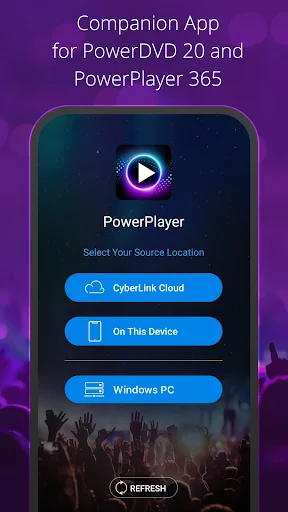
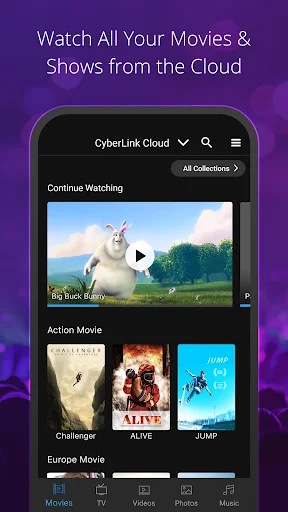
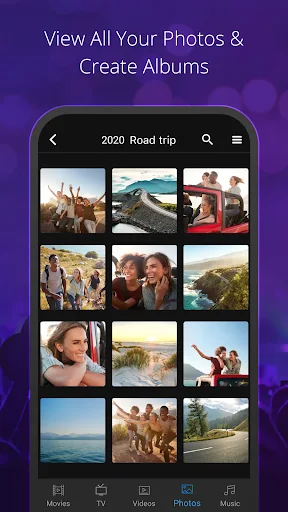
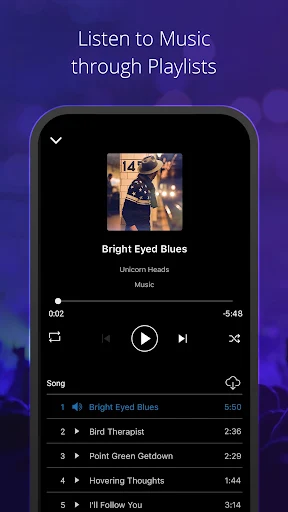
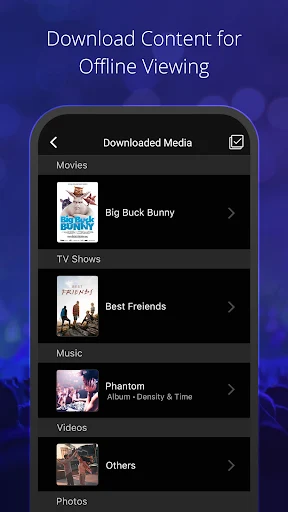
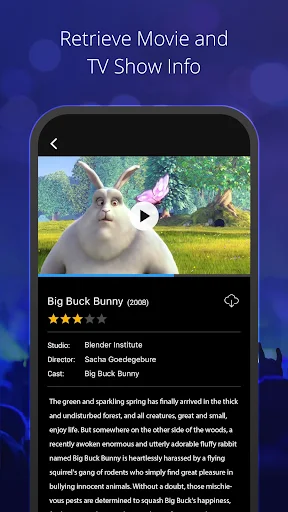
CyberLink PowerPlayer lets you play videos, photos and music on an Android device from media shared over your home Wi-Fi network or stored in CyberLink Cloud. It is aimed at people who already use CyberLink’s desktop media products and want another way to browse or watch their library.
The app can continue playback across devices, which is handy if you start watching on one screen and want to carry on elsewhere. You can also upload media to CyberLink Cloud and create links to share cloud-stored files. Shared links can have passwords or other restrictions. Link sharing applies to media in the cloud, not files that are only shared over your home network.
PowerPlayer is not necessarily a useful standalone media player. The intended setup involves PowerDVD or PowerPlayer 365 on a home computer; using CyberLink Cloud also requires an activated cloud account. If your media is stored elsewhere, or you do not use CyberLink’s desktop software or cloud service, this app may not fit the way you watch and organize media.
CyberLink.com is the developer. The app is listed in Entertainment, with 100,000+ installs and a rating of 3.24 from 1,338 reviews. Those figures offer some context, but the practical question is whether you already have media in the CyberLink setup it is designed to connect to. If not, there may be little reason to make room for it.