Advertisement
Click to download now, finish the installation quickly, and directly unlock the all-round experience
Advertisement
Screenshots
Click to download now, finish the installation quickly, and directly unlock the all-round experience
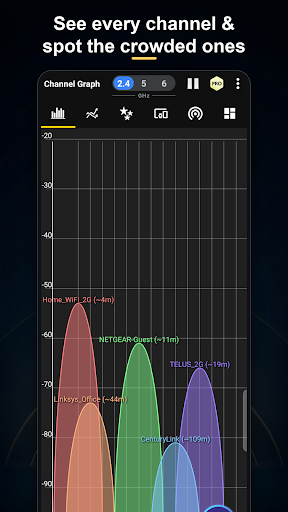
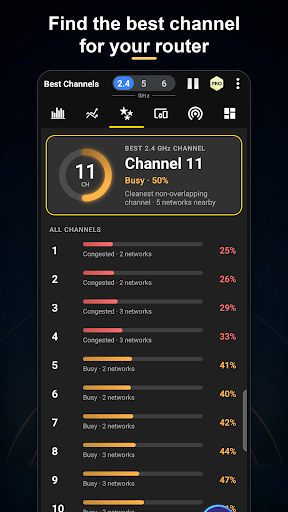
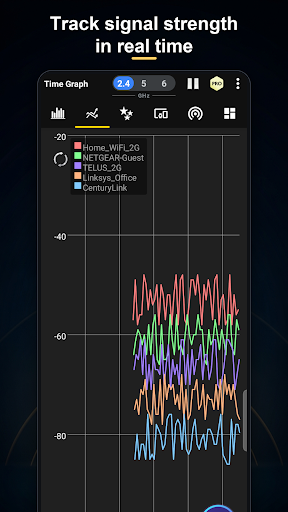
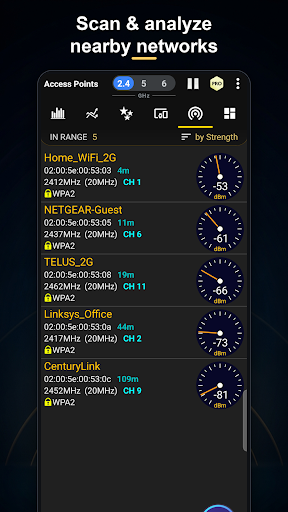
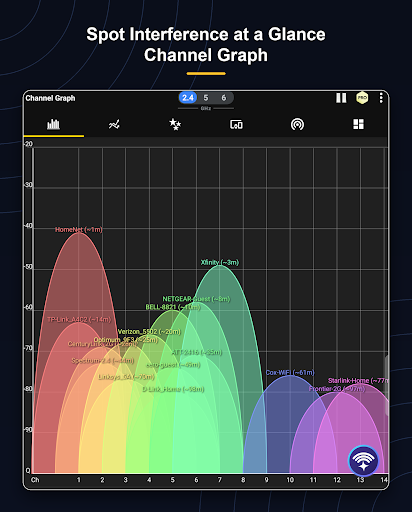
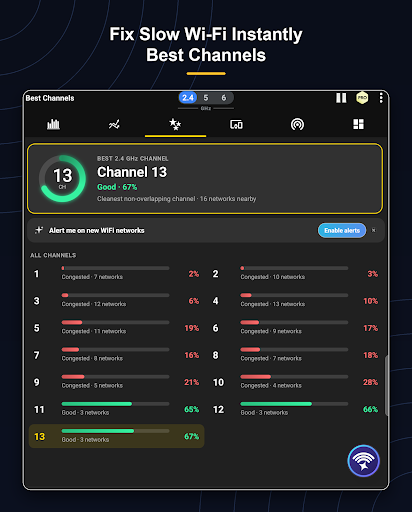
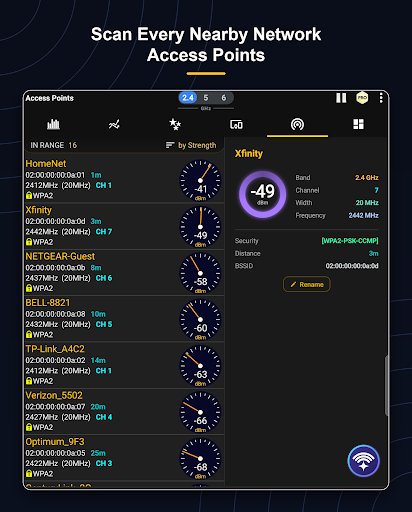
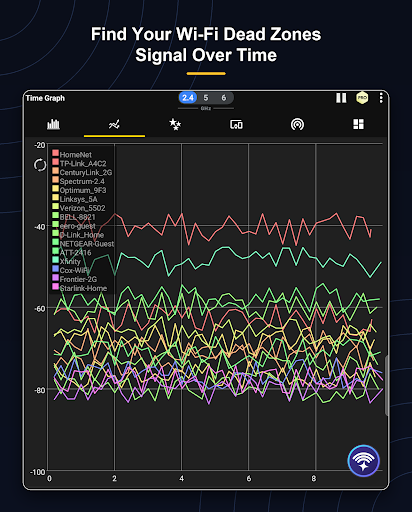
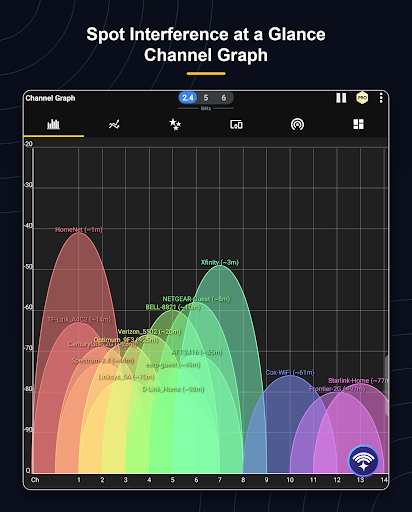
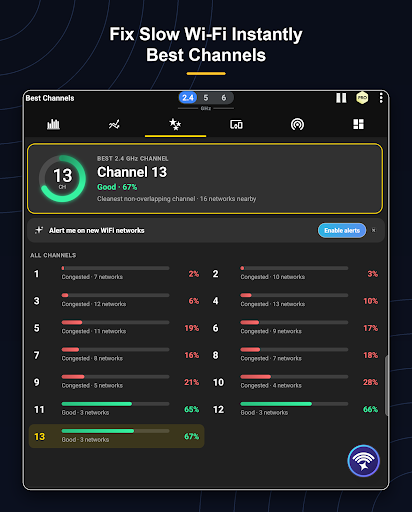
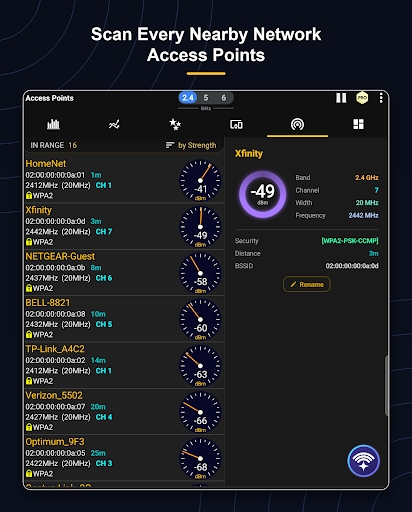
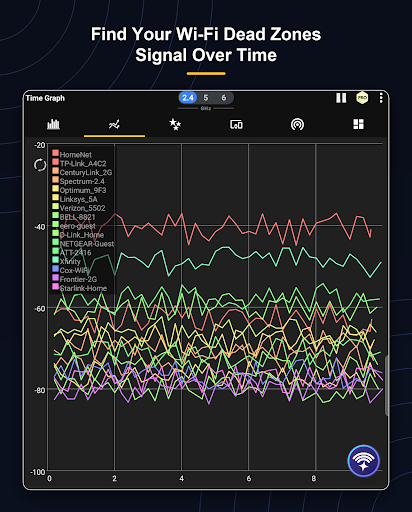
WiFi Analyzer from olgor.com is a Tools app for checking nearby wireless networks and how their channels overlap. Its graphs show signal strength and channel use across the 2.4, 5 and 6 GHz bands, which can help you see whether a crowded channel or weak signal might be part of a connection problem. It can also suggest a less crowded channel and help compare signal strength in different spots.
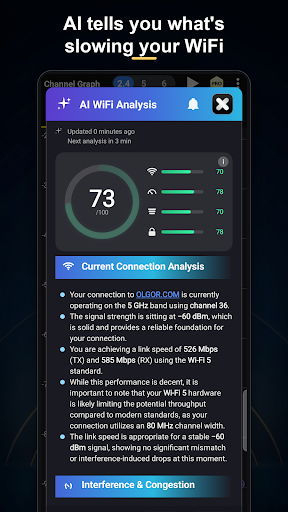
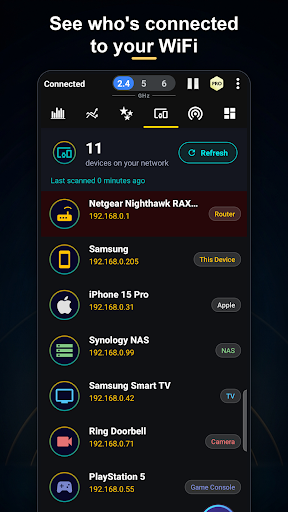
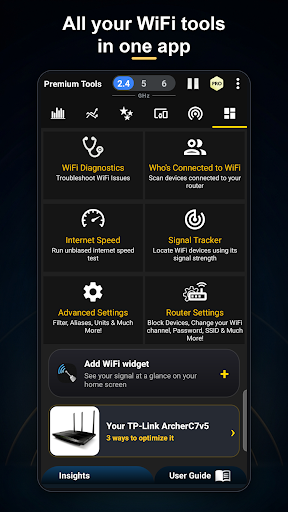
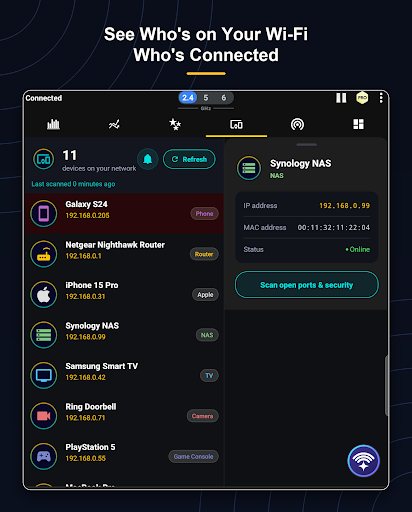
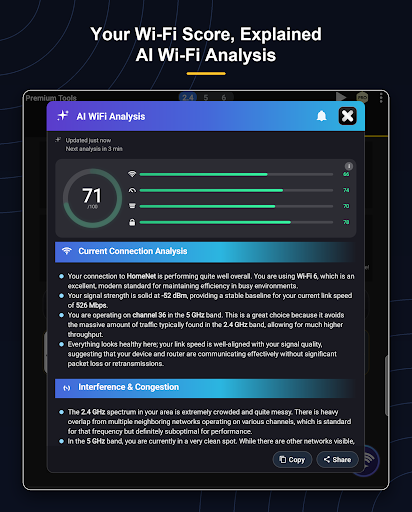
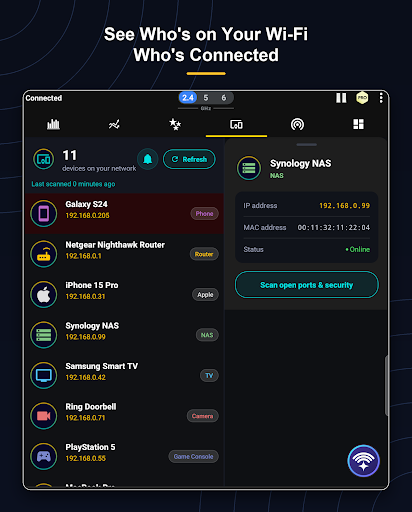
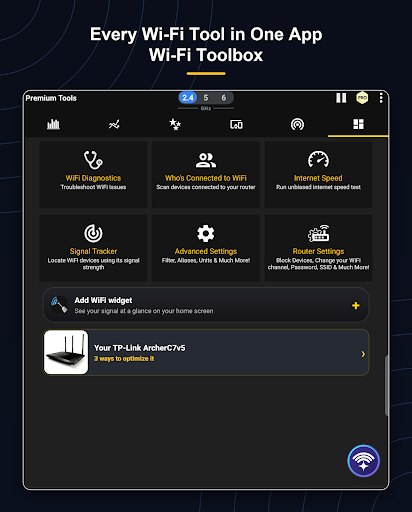
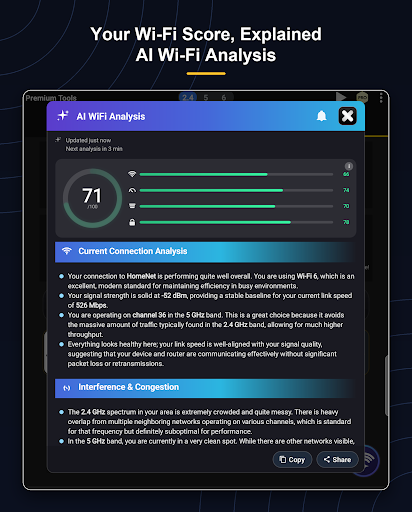
The app is most relevant if you manage your own router and want more information before changing its settings or moving it. It also includes a network scanner that lists devices connected to your local network, with details such as names or addresses where available, plus an option to flag newly seen devices. An analysis feature offers plain-language observations about a network.
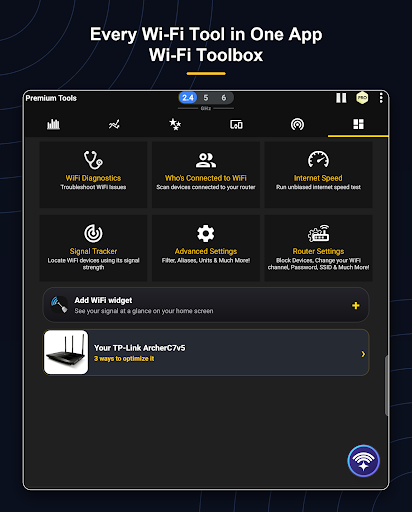
These tools can point to things worth checking, but they cannot guarantee faster internet or identify every device correctly. A device you do not recognize is not, by itself, proof that someone has accessed your WiFi. And changing a channel or blocking a device generally means using your router’s controls.
If your WiFi works well and you have no interest in comparing signal levels or inspecting connected devices, there may be little reason to keep a dedicated analyzer on your phone. The information is most useful when you are willing to act on it; it is not a substitute for fixing a provider outage or a faulty router.
WiFi Analyzer has a 4.6-star rating from about 306,000 ratings and more than 10 million installs. That suggests it has found a large audience, but the practical question is still whether you need its network readings. For occasional troubleshooting, it may be worth trying; for a stable home connection, leaving it off your phone is a reasonable choice.