Notes and tasks, built around a launcher
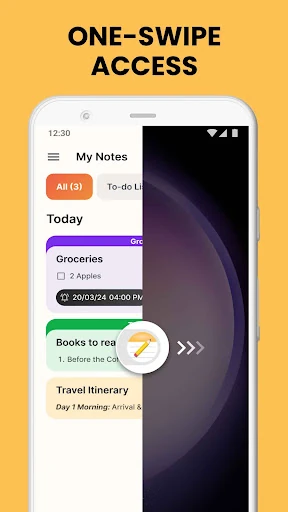
Notes, Notepad, To-Do Launcher combines a note-taking and checklist app with an Android launcher. It is for people who often need to jot something down or check a task off and would rather reach those tools from the home screen than open a separate app. The launcher arrangement is the main trade-off: choosing it means changing how your home screen works, not just adding another notepad.
What it helps with
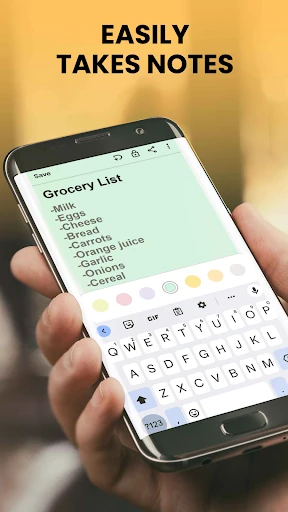
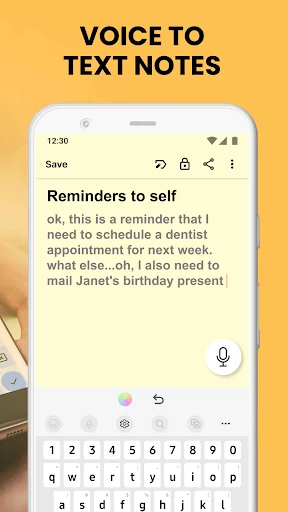
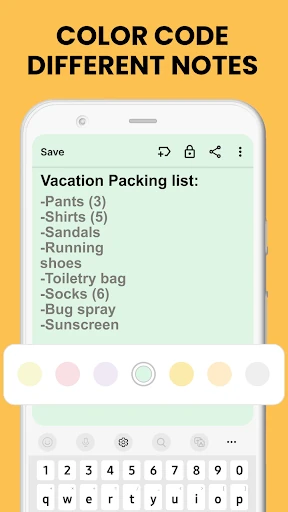
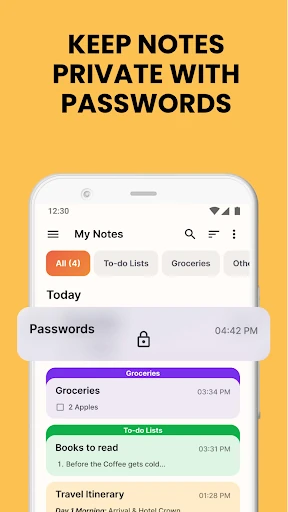
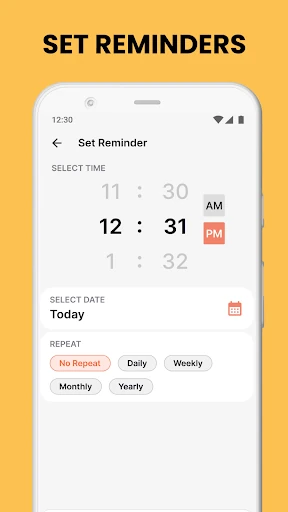
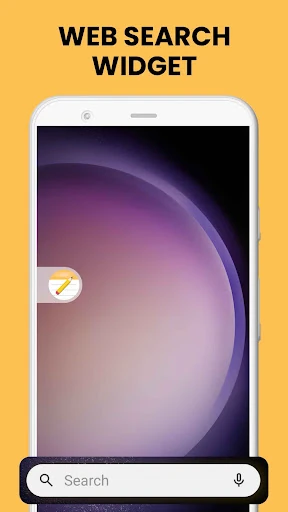
You can use it for written notes, to-do lists and checklists, with options such as text formatting and color-coding to make entries easier to scan. Notes can be locked, and search covers both saved notes and the wider web. These tools make it a reasonable fit for everyday reminders, shopping lists and short bits of information you want close at hand. A lock is useful for keeping casual glances away, but the listing details do not explain its security limits, so avoid treating it as a secure store for highly sensitive information.
The launcher is a real choice
Quick access may suit someone who captures thoughts throughout the day. It may be less appealing if you already like your current home screen, use another launcher, or keep notes in an app that fits your existing routine. The extra access is only valuable if you use it; otherwise, the launcher change can be more noticeable than the note-taking benefit. Consider whether a dedicated notes app would do the job without changing your home-screen setup.
Who might leave it alone
AtomApplications’ Productivity app has a 4.25 rating from 18,135 ratings and more than 1,000,000 installs. That gives a sense of its reach, but it does not tell you whether its launcher approach will suit your habits. If you want a simple notepad and do not want to reorganize your home screen, skipping this one is a perfectly practical choice.