Digital Clock Live Wallpaper-7
Style-7
Downloads
10,000,000+
Source
Google Play
Advertisement
Click to download now, finish the installation quickly, and directly unlock the all-round experience
Advertisement
Screenshots
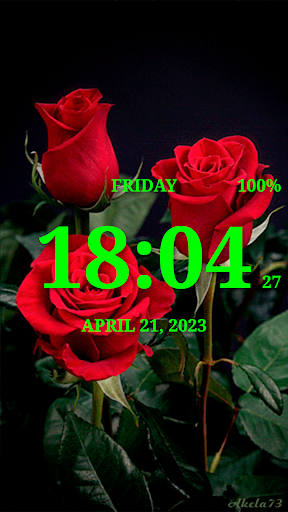
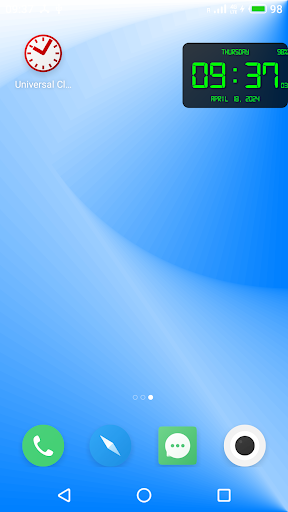
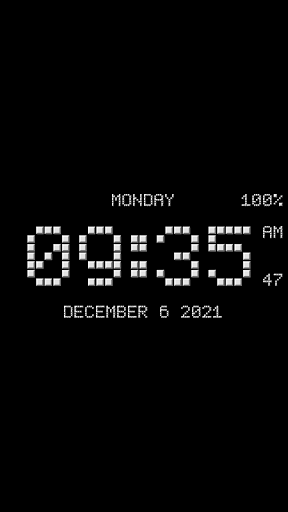
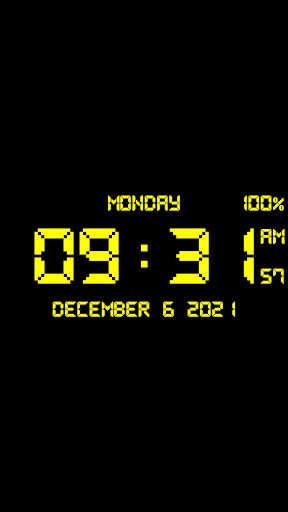
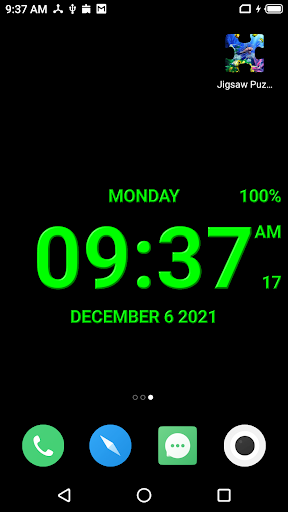
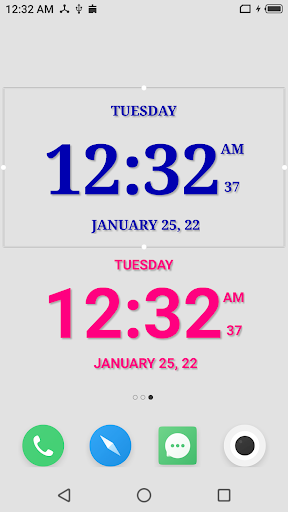
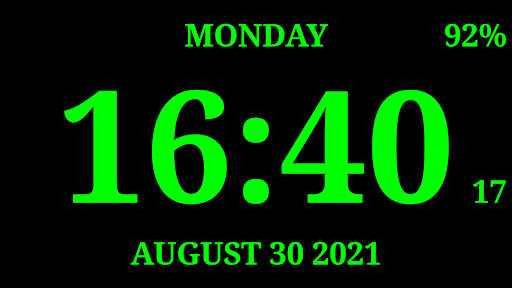
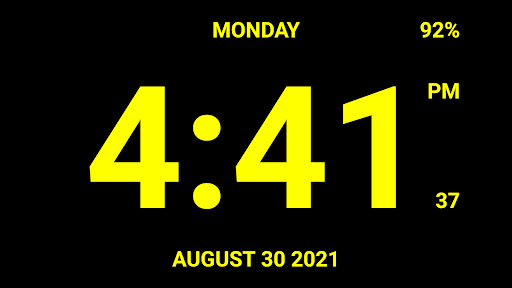
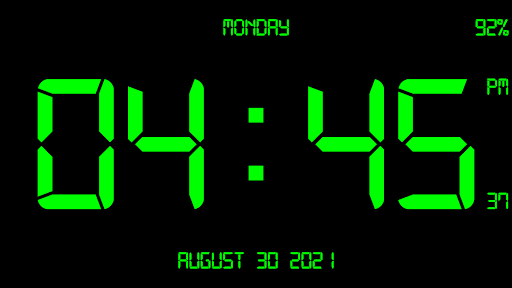
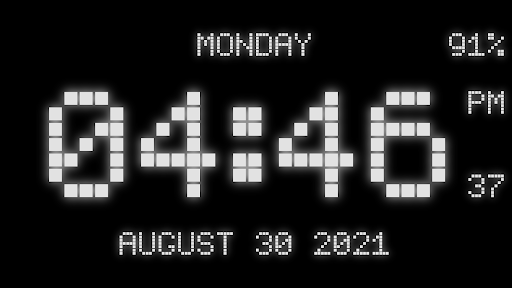
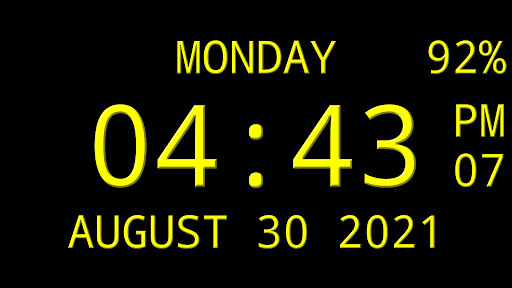
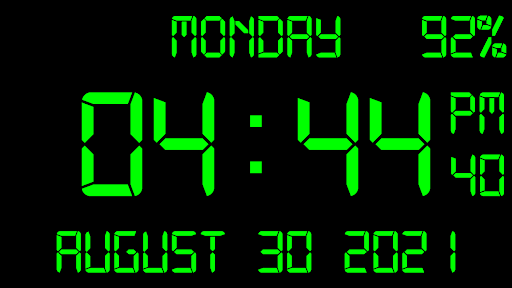
Click to download now, finish the installation quickly, and directly unlock the all-round experience
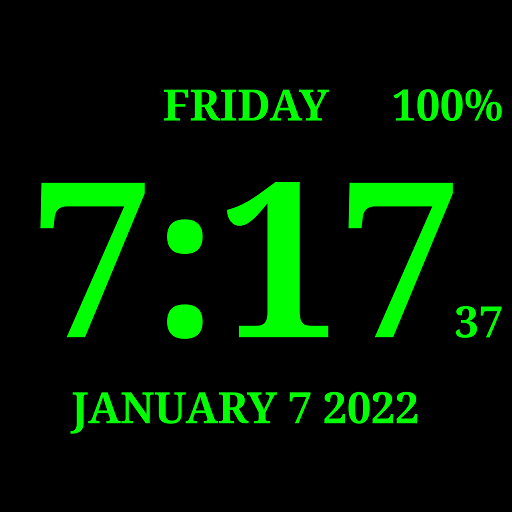
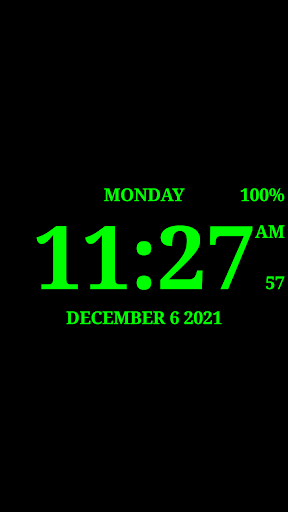
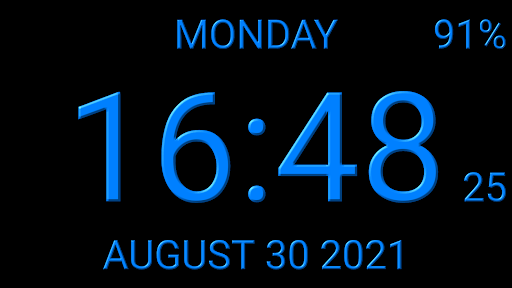
Digital Clock Live Wallpaper-7 puts a digital clock on your phone’s home screen as a live wallpaper. It is for people who want the time visible without opening a clock app, or who prefer a particular digital look to the phone’s usual display. You can adjust the clock’s size and position, and choose what information it shows.
The app also offers a home-screen widget with seconds, a full-screen clock view, a charging or docked screensaver, and floating clock options that can sit above other apps. There is also a compact picture-in-picture clock and a basic app view for checking the time, date, or battery percentage. Some options are more useful than others: a floating clock may suit someone who wants the time while using another app, while the screensaver is aimed at a phone used while charging.
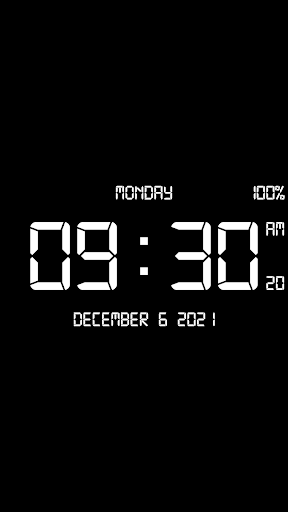
You can choose from 15 fonts, including digital-style designs, and show or hide details such as seconds, the date, day of the week, and battery percentage. The range is useful if you care about how a clock looks or what it displays. If you only need to check the time occasionally, the phone’s built-in clock is likely enough; leaving a prominent clock on screen may simply add clutter.
Style-7’s Tools app has a 4.17 rating from about 45,000 reviews and more than 10 million installs. Those figures suggest it has found a substantial audience, but they do not say whether its extra display options fit your habits. Consider it if you want a configurable clock on the screen or use your phone as a desk clock. Skip it if you are content with your existing wallpaper and clock widget.