Advertisement
Click to download now, finish the installation quickly, and directly unlock the all-round experience
Advertisement
Screenshots
Click to download now, finish the installation quickly, and directly unlock the all-round experience
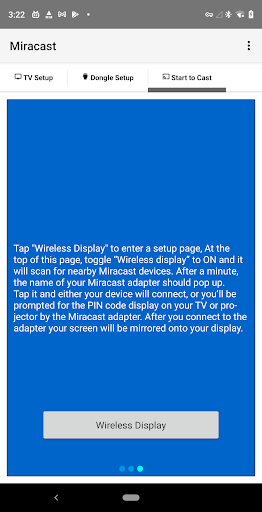
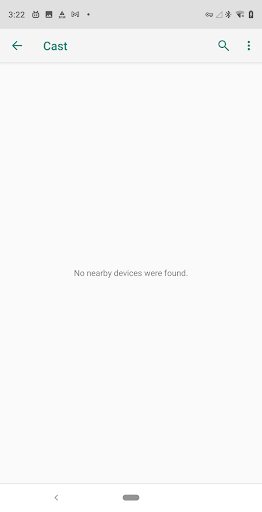
Miracast from Cast4TV is a Tools app for sending an Android device’s screen to a TV, projector or monitor that supports Miracast or Wireless Display. It opens the wireless display controls so you can look for a compatible receiver and connect. The app is most useful when you want to show your phone’s screen on a larger display without relying on a cable.
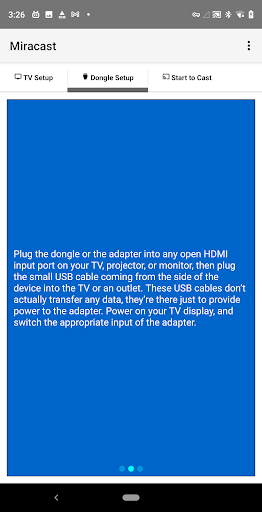
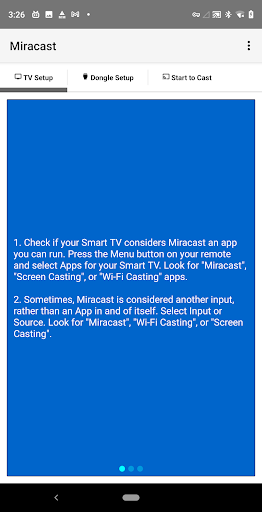
The app does not make every phone or television work with Miracast. Your Android device and the receiving display, or an adapter connected to it, need to support the relevant wireless display connection. Check the TV’s apps or input/source menu for Miracast, Screen Casting or Wireless Display. If the receiver is not compatible, this app alone will not add that capability.
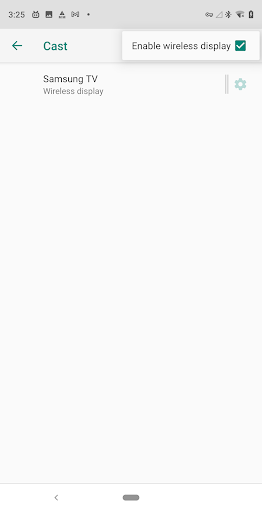
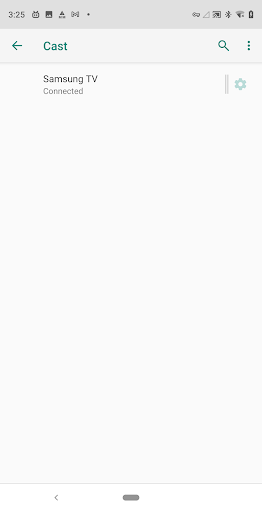
When a device is found, connecting may involve approving the request on the display or entering a PIN shown there. The exact experience depends on the phone and receiver.
Miracast is worth considering if you already have compatible equipment and want to mirror what is on your Android screen. If you rarely share your screen, or your devices use a different casting system, there may be little reason to keep a dedicated utility for this task.
Cast4TV’s app has 5,000,000+ installs and a 2.44 rating from 15,119 ratings. That is a substantial number of ratings, but the low average is a reason to keep expectations measured. Compatibility can also depend on devices outside the app’s control, so check your own setup before counting on it for a presentation or movie night.