Volume Booster - Sound Booster
Mido Music
Downloads
10,000,000+
Source
Google Play
Advertisement
Click to download now, finish the installation quickly, and directly unlock the all-round experience
Advertisement
Screenshots
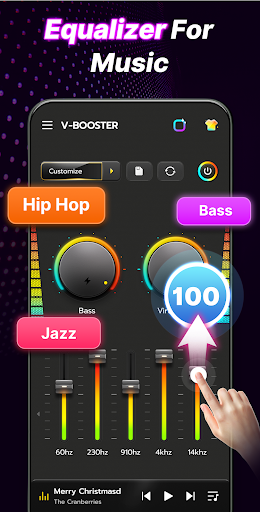

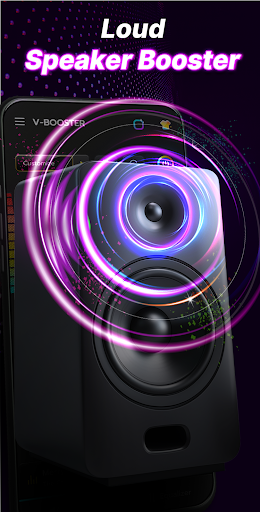

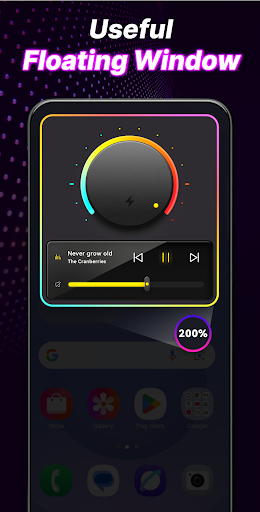
Click to download now, finish the installation quickly, and directly unlock the all-round experience
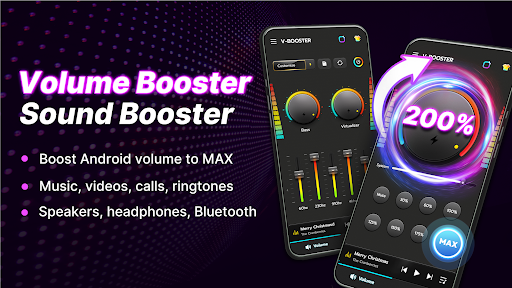
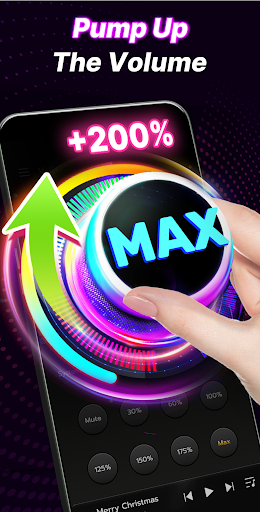
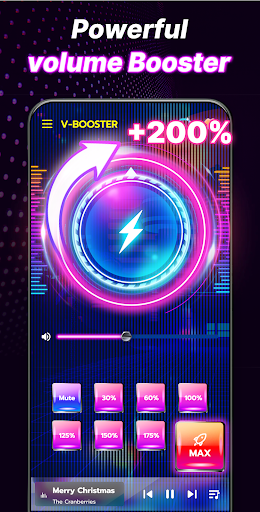
Volume Booster - Sound Booster is an Android audio tool for raising the level of sound from music, videos and games. It also includes equalizer controls and a bass effect, so you can adjust the sound as well as make it louder. The app is from Mido Music and is listed in the Tools category.
It may suit you if your phone or connected headphones sound too quiet at their usual settings, or if you want a little more control over how music plays. The app describes support for wired and Bluetooth audio devices, though results can vary with the phone, headphones and audio source.
A volume booster cannot make a small phone speaker perform like a larger one. Pushing the level too far may make audio harsh or distorted, and high volume through headphones can be uncomfortable or harmful to hearing. Start with a modest adjustment and lower it if sound quality suffers.
Some phones already offer their own sound settings, and the difference from a separate booster may be limited. If your audio is already loud enough, or you rarely listen on your phone, there may be little reason to add another tool.
The listing shows a 4.67 rating from about 880,000 reviews and more than 10 million installs. That is a sizeable audience and a strong rating, but it does not guarantee the app will work equally well with every Android device or audio setup.
Skip it if you are happy with your current volume controls, mainly listen through speakers that are already loud enough, or want a dedicated music player rather than a way to adjust sound output. For occasional quiet audio, checking your device’s own volume and sound settings first is a sensible place to start.